
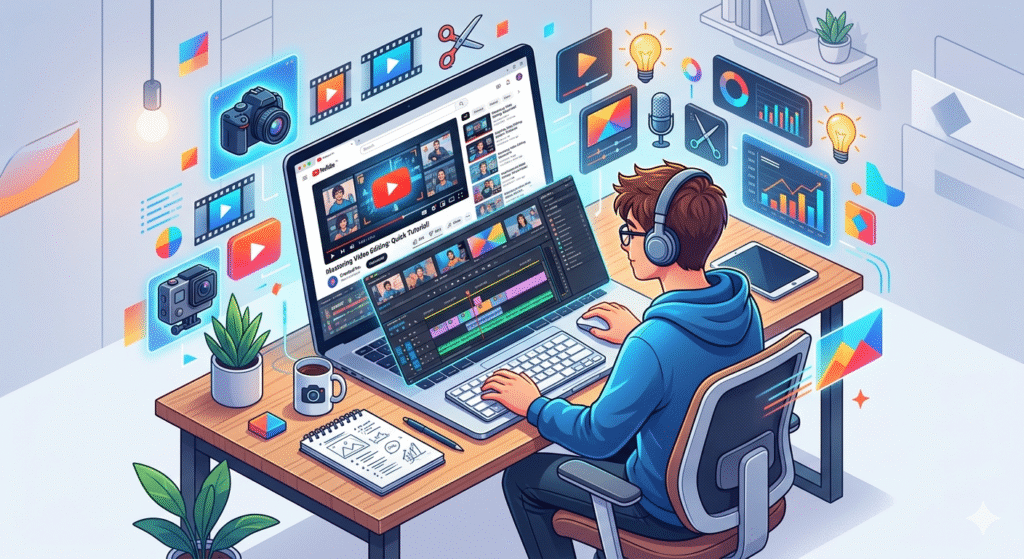

If you’ve ever watched a cinematic vlog, a viral reel, or a powerful documentary and thought “I wish I could create something like this,”—you’re not alone.
The good news? You don’t need expensive courses anymore. Today, Video Editing can be learned entirely for free using platforms like YouTube.
From beginner tutorials to advanced cinematic techniques, YouTube has become one of the most powerful learning platforms for creatives. But here’s the challenge:
With millions of videos available, where do you actually start?
In this guide, you’ll discover a clear roadmap, the best channels, tools, and insider strategies to master Video Editing—without spending a single rupee.
Why Learn Video Editing in 2026?
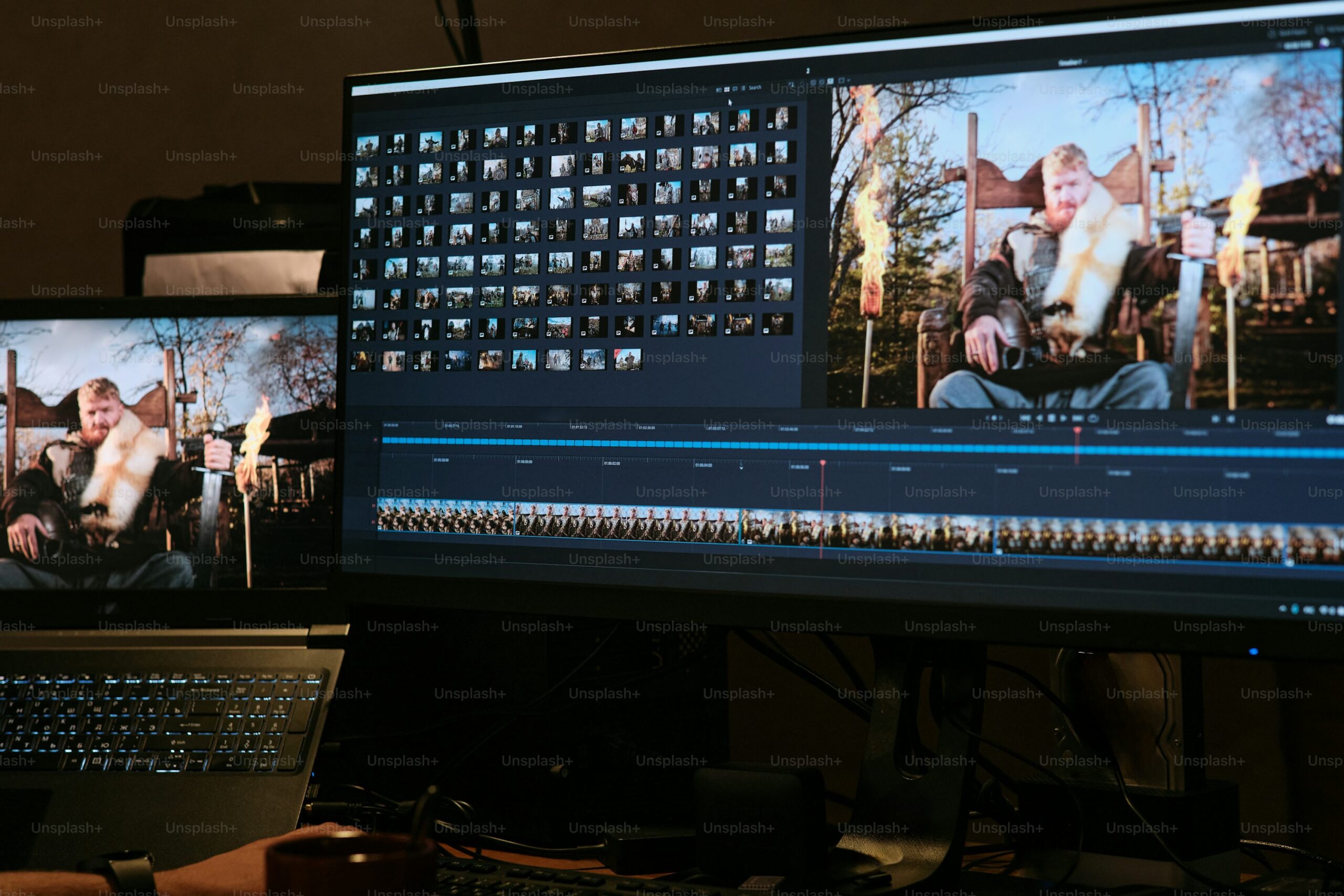


The demand for video content is exploding.
According to industry trends, video dominates platforms like:
- YouTube
- Instagram Reels
- TikTok
- Online courses
This means Video Editing is no longer just a skill—it’s a career opportunity.
Key Benefits:
- High-income freelance opportunities
- Remote work flexibility
- Content creation freedom
- Strong demand in digital marketing
Can You Really Learn Video Editing for Free?
Yes—and many professionals actually started this way.
YouTube offers:
- Step-by-step tutorials
- Real project breakdowns
- Free resources and presets
- Community feedback
The key difference between beginners and professionals is not access—it’s consistency and direction.
Best YouTube Channels to Learn Video Editing
Here are some of the most trusted and valuable YouTube channels for learning Video Editing:
1. Justin Odisho
Great for beginners and intermediate editors.
- Adobe Premiere Pro tutorials
- Effects and transitions
- Short and clear lessons
2. Peter McKinnon
Perfect for cinematic storytelling.
- Creative editing techniques
- Filmmaking tips
- Visual storytelling
3. Primal Video
Ideal for content creators.
- YouTube editing strategies
- Beginner-friendly guides
- Equipment advice
4. Daniel Schiffer
Known for commercial-style editing.
- Product video editing
- Creative transitions
- Advanced techniques
Best Free Video Editing Software
Before you start learning, you need the right tools.
Here are beginner-friendly tools you can use:
| Software | Platform | Skill Level | Best For |
|---|---|---|---|
| CapCut | Mobile/Desktop | Beginner | Social media videos |
| DaVinci Resolve | PC/Mac | Advanced | Professional editing |
| Shotcut | PC | Beginner | Simple projects |
| Filmora (Free version) | PC/Mac | Beginner | Quick edits |
👉 Recommended starting point: CapCut (easy + powerful)
Step-by-Step Roadmap to Learn Video Editing
Step 1: Understand the Basics
Start with:
- Cutting and trimming clips
- Adding music
- Basic transitions
Search on YouTube:
👉 “Video Editing for beginners”
Step 2: Learn One Software Deeply
Don’t jump between tools.
Choose one (e.g., CapCut or Premiere Pro) and master:
- Timeline editing
- Effects panel
- Export settings
Step 3: Practice with Real Projects
This is where most people fail.
Instead of just watching tutorials:
- Edit your own videos
- Recreate YouTube edits
- Practice daily
Step 4: Learn Advanced Techniques
Once comfortable, move to:
- Color grading
- Motion graphics
- Sound design
- Cinematic transitions
Step 5: Build a Portfolio
Create:
- YouTube videos
- Instagram reels
- Client-style edits
This helps you earn money.
Free vs Paid Learning: Comparison
| Feature | YouTube (Free) | Paid Courses |
|---|---|---|
| Cost | Free | Expensive |
| Flexibility | High | Medium |
| Depth | High (if chosen wisely) | Structured |
| Certification | No | Yes |
| Creativity | High | Medium |
👉 Conclusion: YouTube is enough if you stay consistent.
Common Mistakes Beginners Make
1. Watching Too Much, Practicing Too Little
Learning without action = no progress.
2. Switching Software Frequently
Stick to one tool at the start.
3. Ignoring Audio Quality
Good audio = professional video.
4. Overusing Effects
Simple edits often look better.
Insider Tips to Learn Faster
Here’s what experienced editors recommend:
Learn by Copying
Recreate popular videos—it builds skills fast.
Focus on Storytelling
Editing is not just cuts—it’s emotion and flow.
Use Shortcuts
Keyboard shortcuts save hours.
Follow Trends
Stay updated with reels and viral content.
Real Insight: What Makes a Great Video Editor?
Here’s something most tutorials won’t tell you:
👉 Tools don’t make you a great editor—taste does.
A great editor:
- Understands pacing
- Knows when to cut
- Creates emotional impact
That’s why two people using the same software produce very different results.
How to Earn Money After Learning Video Editing
Once you gain skills, you can start earning.
Freelancing
Platforms:
- Fiverr
- Upwork
Content Creation
- YouTube channel
- Instagram reels
Client Work
- Businesses need video editors
- Social media managers hire editors
Future of Video Editing
Video editing is evolving with AI tools.
Future trends include:
- AI-assisted editing
- Automated subtitles
- Smart transitions
- Faster workflows
But creativity will always remain human.
Key Takeaways
- You can learn Video Editing for free on YouTube.
- Start with basics and practice daily.
- Choose one software and master it.
- Build a portfolio to earn money.
- Focus on storytelling, not just tools.
Learning Video Editing today is easier than ever—but only for those who take action.
You don’t need expensive courses, powerful computers, or professional studios. All you need is:
- A clear roadmap
- Consistency
- Willingness to learn
Start small. Stay consistent. Keep improving.
One day, the videos you admire—you’ll be creating them.
Ready to start your Video Editing journey?
👉 Comment below: Which software will you start with?
👉 Share this guide with friends who want to learn editing
👉 Follow for more content on AI, freelancing, and digital skills